
Why We Built Trnqify: A Privacy-First, AI-Ready Link Shortener
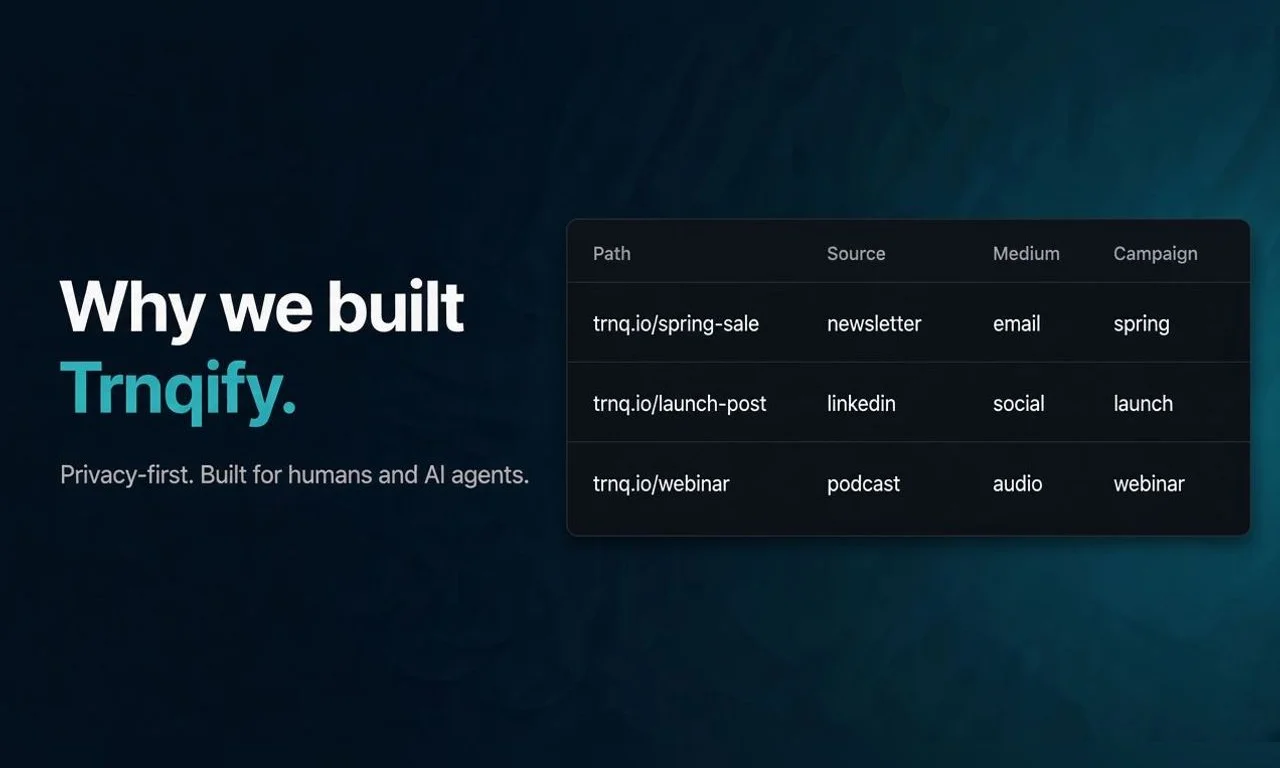
Image created with AI.
Most link shorteners price by feature bundle, when what you actually use is clicks. The free plan is limited, and the next step up is a bundle of features you may never touch. Trnqify started from the opposite idea: pay for what you use, keep visitor tracking to the minimum, and make every link something an AI agent can create for you.
Trnqify is a privacy-first URL shortener with click analytics, a REST API, and an MCP server, so people and AI agents can both create tracked short links.
This post is the first in a series called Building Trnqify. It covers why the product exists, what “privacy-first and programmable” means in practice, and what shipped in version 1.5.
Why Another Link Shortener?
Trnqify’s founder had built a link shortener before, in-house, at a previous company. Looking at the well-known shorteners, two problems stood out:
- Free tiers are limited. You hit the ceiling quickly and are pushed toward an upgrade.
- The pricing model is wrong. Prices follow feature bundles, not how much you actually use the links.
The bet behind Trnqify was that a link shortener could be better and more affordable, and AI- and API-first.
Pricing Built Around Clicks
Trnqify is usage-based. Paid plans have a low monthly price that includes a generous block of clicks, and after that you pay for the clicks you get:
| Free | Standard | Pro | |
|---|---|---|---|
| Price | $0 | $9/month | $29/month |
| Clicks | Unlimited; direct redirects for the first 1,000 a month, then a brief interstitial | 25,000 included, then $0.10 per 1,000 | 25,000 included, then $0.10 per 1,000 |
| Links | Unlimited | Unlimited | Unlimited |
A quiet month costs the base price, and a busy month adds only the extra clicks. There is no hard cutoff and no forced plan change when a link takes off. Full details are on the pricing page.
Privacy-First: Metadata, Not People
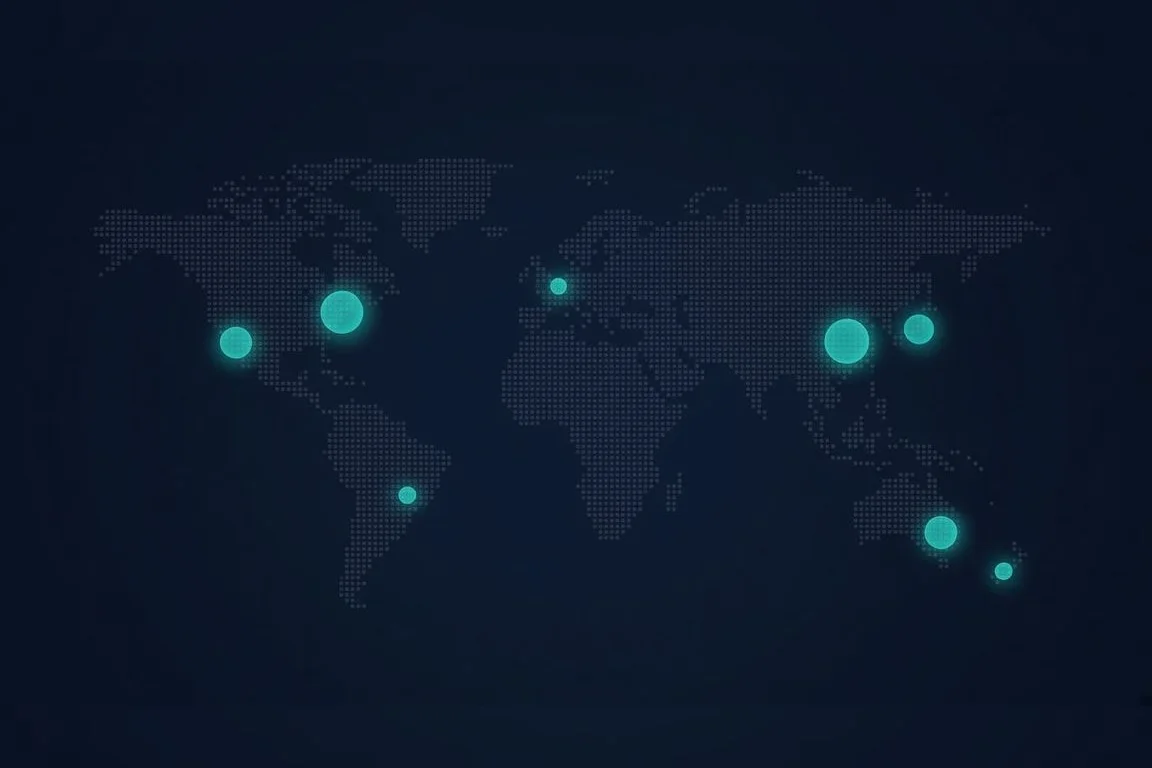
Image created with AI.
A short link needs to know that it was clicked. It doesn’t need to know who clicked it. Trnqify records the click and its metadata, and reports it as totals and breakdowns:
- Aggregate only. Analytics show counts and breakdowns, not profiles of individual visitors.
- City level at most. Location is never more precise than the city.
- No cookies on your links. The links you share, on
trnq.ioand custom redirect domains, don’t set cookies. - Never sold. Click data is not sold or shared for advertising.
That is enough to see which campaign, country, or device is working, without following anyone around. The privacy policy has the full detail.
Programmable: Links Your AI Can Create
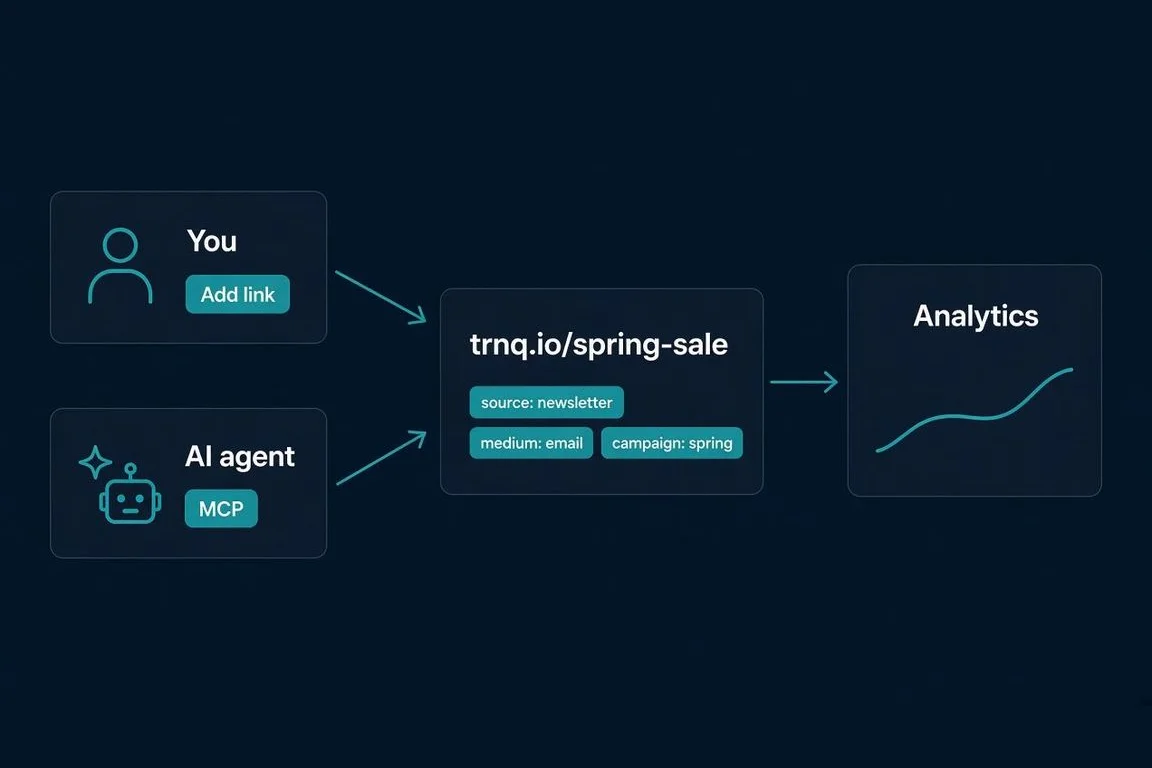
Image created with AI.
AI is a powerful tool, and links are a natural job to hand it. Write a blog post, or have an AI help write it, then tell the AI to create the short links for it. The whole process is automated, and because the AI follows written rules, every link gets the same campaign tags.
That is how this blog works. The agent that drafts each post creates its tracked links through Trnqify’s MCP server, using one naming convention for every link. We wrote up the whole setup in how we run our blog with Trnqify.
On Standard and Pro, Trnqify gives you three ways in:
- MCP server for AI assistants that support the Model Context Protocol.
- A2A for agent-to-agent workflows.
- REST API for your own code: 10,000 requests a day on Standard, no daily cap on Pro.
New to MCP? Read how Trnqify connects with AI agents, or go straight to the Trnqify docs.
Trnqi, the Assistant in the App
You don’t need your own AI setup, or a paid plan, to hand links to AI. Trnqi is the chat assistant built into Trnqify, and it’s on every plan, including Free. Type into the chat box at the top of the app, and Trnqi asks for the URL and what the link is for, then creates the link with matching UTM tags. In the Add Link form, describe your campaign in plain language and Trnqi suggests utm_source, utm_medium, and utm_campaign values that match how you already tag links. Custom slugs and custom domains still need Pro, and Trnqi tells you when a request needs an upgrade.
What Trnqify 1.5 Shipped
Version 1.5 added four things:
- Account-wide analytics dashboard on every plan: Free gets a 7-day trend and top 10 links, Standard 30 days with country and desktop vs mobile, and Pro up to a year with detailed breakdowns.
- City breakdown and click map on Pro, per link and across the account.
- Custom slugs on Pro, so you can choose
trnq.io/spring-saleinstead of a random code. Slugs are permanent once a link is created, so shared links never break. - Signed webhooks on Pro, up to 3 endpoints, signed with HMAC-SHA256, retried automatically, and recorded in a delivery log.
The 1.5 release post covers each feature, and the features page has the full list.
Where Trnqify Is Headed
The goal for the next year: Trnqify built into the tools you already use. Whenever you need a link, it gets created automatically with the right tags, and the metrics come with it. That isn’t shipped yet. MCP, A2A, and the API are the first steps.
What This Series Covers
The hardest part of building Trnqify hasn’t been the code. It has been getting the product seen. So for the next several weeks, we’re writing about how it’s built, one decision at a time. The plan:
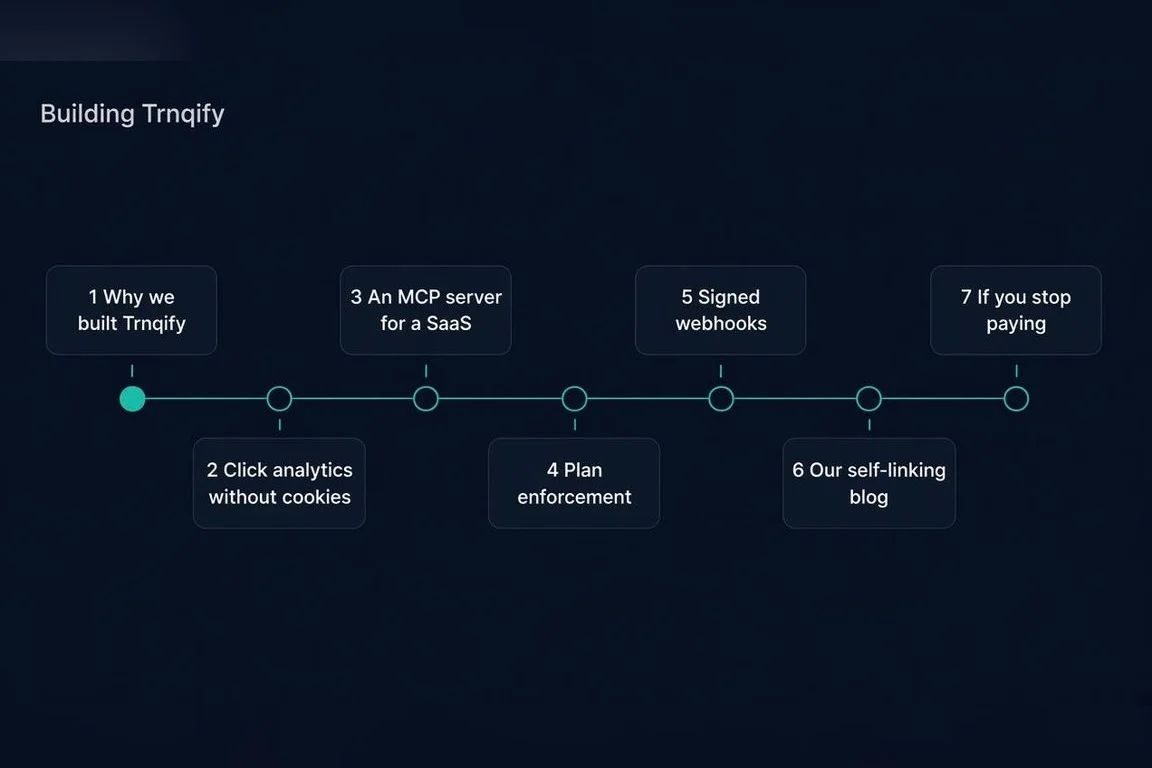
Image created with AI.
- Why we built Trnqify (this post)
- Click analytics without cookies: how Trnqify counts clicks without following people
- Giving a SaaS an MCP server: what it takes to let AI agents use your product
- Plan enforcement without writing a rate limiter
- Designing signed webhooks for a small product
- How our blog makes its own tracked links
- What happens to your links if you stop paying
A new post goes up every Tuesday.
Try Trnqify
The free plan has unlimited links and clicks and needs no credit card. Create your free Trnqify account, shorten a link, and watch the clicks come in.
Frequently Asked Questions
What is Trnqify?
Trnqify is a privacy-first URL shortener with click analytics, a REST API, and an MCP server, so people and AI agents can both create tracked short links. There is a free plan, and paid plans start at $9/month. See the features page.
How does Trnqify pricing work?
Free is $0 with unlimited links and clicks; the first 1,000 clicks each month redirect directly, then visitors see a brief interstitial. Standard is $9/month and Pro is $29/month. Both include 25,000 clicks a month, then $0.10 per 1,000 clicks. Details are on the pricing page.
What does privacy-first mean for Trnqify's click analytics?
Trnqify reports clicks as totals and breakdowns, not profiles of individual visitors. Location is never more precise than the city, click data is never sold, and there are no cookies on the links you share (trnq.io and custom redirect domains). Read the privacy policy.
Can AI agents create Trnqify links?
Yes, on Standard and Pro. AI assistants connect through Trnqify's MCP server or A2A, and your own code can use the REST API. The free plan does not include MCP, A2A, or API access, but every plan, including Free, gets Trnqi, the AI assistant built into the app, which creates links and suggests UTM tags from a chat. Setup is in the Trnqify docs.