
MCP vs A2A for Marketing Agents
When you build marketing workflows with AI, you have to decide how your applications interact with the outside world. An agent capable of drafting brilliant copy still needs a way to format destination URLs, organize tracking tags, and measure the results of its work. Choosing how to provide those capabilities shapes the reliability of your entire system. The Model Context Protocol (MCP) and the Agent-to-Agent (A2A) protocol offer two distinct ways to handle this communication.
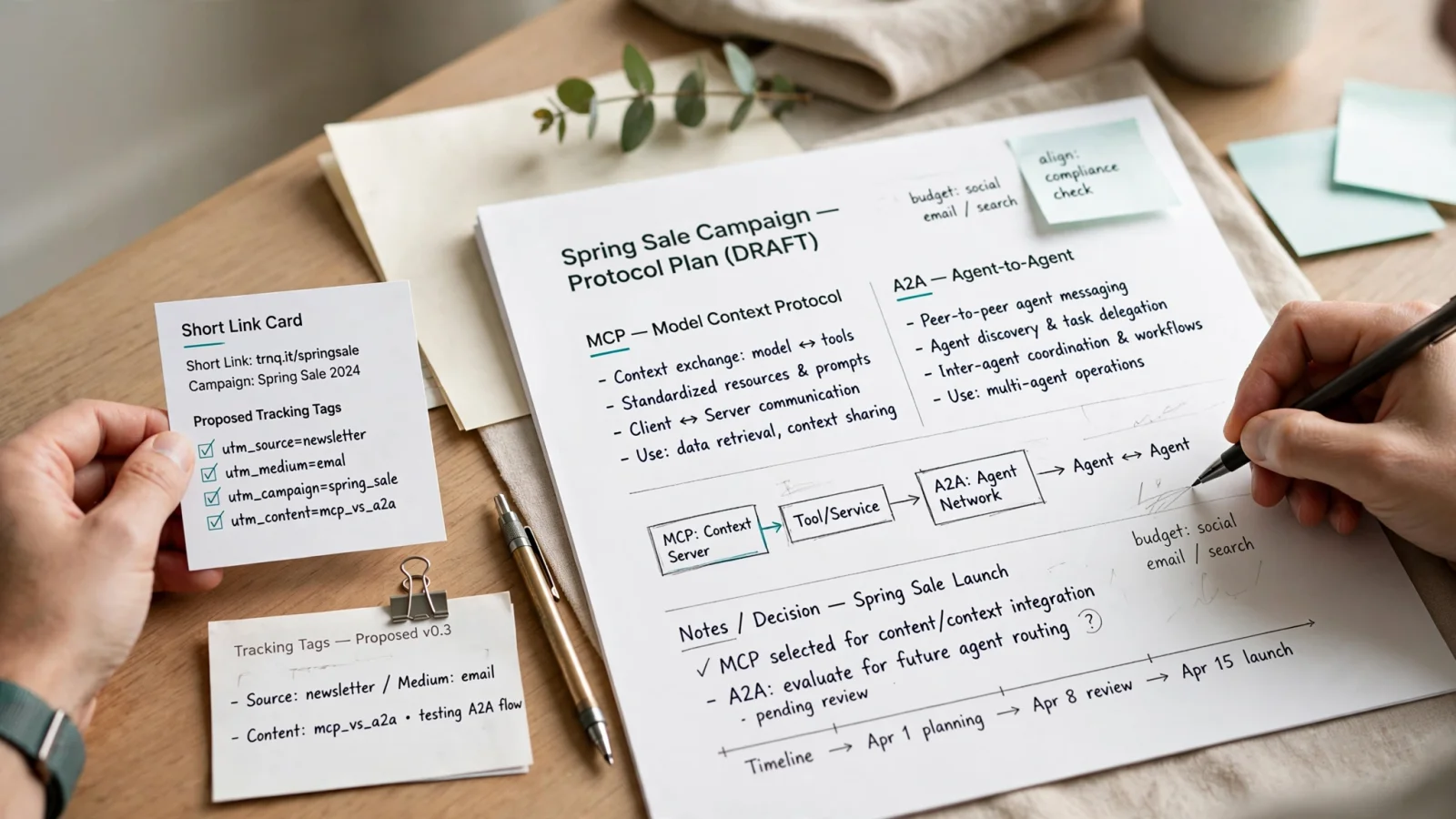
Use MCP when an agent needs a specific link-management action. Use A2A when it should delegate a broader campaign goal to another agent. These complementary layers serve distinct functions within the same architecture. Understanding this boundary helps you structure systems that act predictably and scale well. Trnqify serves as a practical bridge for this workflow, connecting AI-assisted campaign creation to privacy-conscious link measurement through standard tool integrations.

MCP vs A2A: The Short Answer
The official comparison of the protocols’ complementary roles establishes a clear division of labor. MCP connects an AI application to tools and data, including utilities such as a database or an API. With that connection, an agent uses a tool’s defined capabilities, provides the required inputs, and receives structured outputs.
A2A connects independent agents to each other, allowing your primary application to communicate and collaborate with specialized AI assistants without needing to know their internal tools or reasoning processes. You delegate a task to an expert, and that expert figures out the completion steps.
This distinction serves as a practical heuristic for any link-management workflow. If you need a specific URL generated with predefined tags, give your agent a tool via MCP. If you need a multi-channel campaign strategy developed from a loose brief, give your agent a colleague via A2A. Trnqify operates as a service an agent accesses through a verified MCP capability. The platform’s AI UTM Assistant takes a plain-language description and suggests appropriate campaign tags, which prepares the exact inputs the agent will submit through the tool call.
How Do MCP and A2A Differ?
Because the protocols solve different integration problems through different communication models, comparing them against the same technical criteria can clarify which role each should play.
| Criterion | Model Context Protocol (MCP) | Agent-to-Agent (A2A) Protocol |
|---|---|---|
| Primary Purpose | Connects an AI application to external tools and data sources | Enables independent AI agents to delegate tasks and collaborate |
| Interaction Counterpart | A configured server exposing specific executable functions | A remote agent operating autonomously with its own reasoning |
| Visible Interface | Explicit tool names, expected inputs, and rigid response schemas | An Agent Card advertising skills, endpoints, and authentication |
| Task Shape | Synchronous execution of a bounded, deterministic operation | Asynchronous tracking of a delegated goal with returned artifacts |
| Best-Fit Work | Creating a short link, querying database records, applying tags | Planning a multi-channel campaign, writing copy, coordinating steps |
The MCP TypeScript SDK v2 documentation describes a way to connect AI applications to tools and data. An MCP server exposes tools, resources, and prompts to a host, which can list and call a registered tool. For each call, the SDK validates the input against the tool’s schema before its handler runs.
The A2A specification supports delegation between independent agents. For discovery, an A2A Agent Card describes a remote agent’s capabilities, skills, service endpoint, and authentication requirements. When a client sends a request, the remote agent can return a task whose processing can be tracked, or a direct response message; task records carry status and can include artifacts. For updates, streaming and push notifications are available when the remote agent supports those capabilities. The client can track the task’s state without needing access to the remote agent’s internal state, memory, or tools.
When Should a Marketing Agent Use MCP?
MCP provides the correct route when your workflow requires a bounded action with known inputs, such as link creation. You might tell your agent to prepare a LinkedIn post for an upcoming spring sale and request a tracking URL. A specific utility can format the destination and store the record, giving the agent the bounded action it needs.
The prompt includes a destination URL, an intended channel, and a campaign theme, which Trnqify’s integration can parse to suggest campaign tags for your setup. The agent presents those suggestions for your review, then formats the payload for the tool call after you approve the values or apply your own naming rules.
These illustrative inputs show how the agent structures the request before sending it to the server:
destination_url: https://example.com/spring-sale
utm_source: linkedin
utm_medium: social
utm_campaign: spring-sale
The server processes these inputs and returns a short URL on the trnq.io domain alongside confirmation of the applied tag values. Because the protocol expects exactness, an ambiguous prompt with a missing destination URL requires the agent to ask you for clarification rather than silently guessing a value to satisfy the tool schema.
Analytics queries follow the same logic. If you want an agent to check click totals for a specific campaign, look for an explicit read operation exposed by the MCP server. An agent can only pull those numbers if the connected service provides a designated tool for that metric, making it necessary to check the live capabilities of your chosen service before assuming it supports specific reporting endpoints.
When Is A2A the Better Choice?
A2A is the better fit when a request shifts from a defined operation to a goal that requires judgment, expertise, or multi-step coordination. You rarely start with a formatted list of required URLs. You usually provide a high-level brief for a product launch or a seasonal promotion. That brief requires an entity to write copy for email newsletters, draft social media updates, select the right mix of channels, and prepare all the associated tracking links.
A single agent attempting to manage that entire lifecycle sequentially will often lose context or hallucinate tool inputs, which makes delegation valuable. An orchestrator agent receives the initial brief and uses A2A to hand the workload to a dedicated campaign specialist agent.
The orchestrator provides the minimum necessary context and defines a clear deliverable, such as a complete launch plan with drafted copy and active links. It then tracks the task status while the specialist takes over to handle the complex balancing act of matching messaging to channel constraints. The specialist agent manages the multi-step work and eventually returns a task result containing the finished assets. A2A standardizes this communication without forcing the orchestrator to understand how the specialist organizes its internal prompts.
Before initiating a handoff, use the remote agent’s Agent Card to check that its advertised skills match the task, its endpoint URL is correct, and you have the required authentication tokens. For a complex plan, follow the remote agent’s updates to track progress rather than assuming synchronous completion. A2A adds network latency, serialization overhead, and state tracking to your system. Wrapping a simple link-creation request in an A2A handoff adds that overhead without providing any expertise or coordination benefits, which explains why simple requests belong on MCP.
How Can Both Protocols Handle One Campaign?
Complex marketing operations require both protocols working together in a combined architecture. A spring-sale campaign demands careful planning alongside precise link tracking. You submit the brief to your primary interface, and the orchestrator agent uses A2A to delegate the campaign planning to a marketing specialist agent.
The specialist reviews the brief, drafts the LinkedIn post, and identifies the need for a tracking link. Because the specialist agent is authorized and configured with MCP access to Trnqify, it handles the tool execution directly by submitting the destination URL and asking for UTM suggestions. You review the utm_source, utm_medium, and utm_campaign values. After you approve the setup, the specialist agent finalizes the MCP call, receives the short link, and embeds it in the social media copy before returning the completed campaign package to the orchestrator as an A2A task artifact.
This workflow isolates responsibilities cleanly, with A2A managing the collaborative handoff and asynchronous tracking while MCP handles the deterministic tool execution and data formatting.
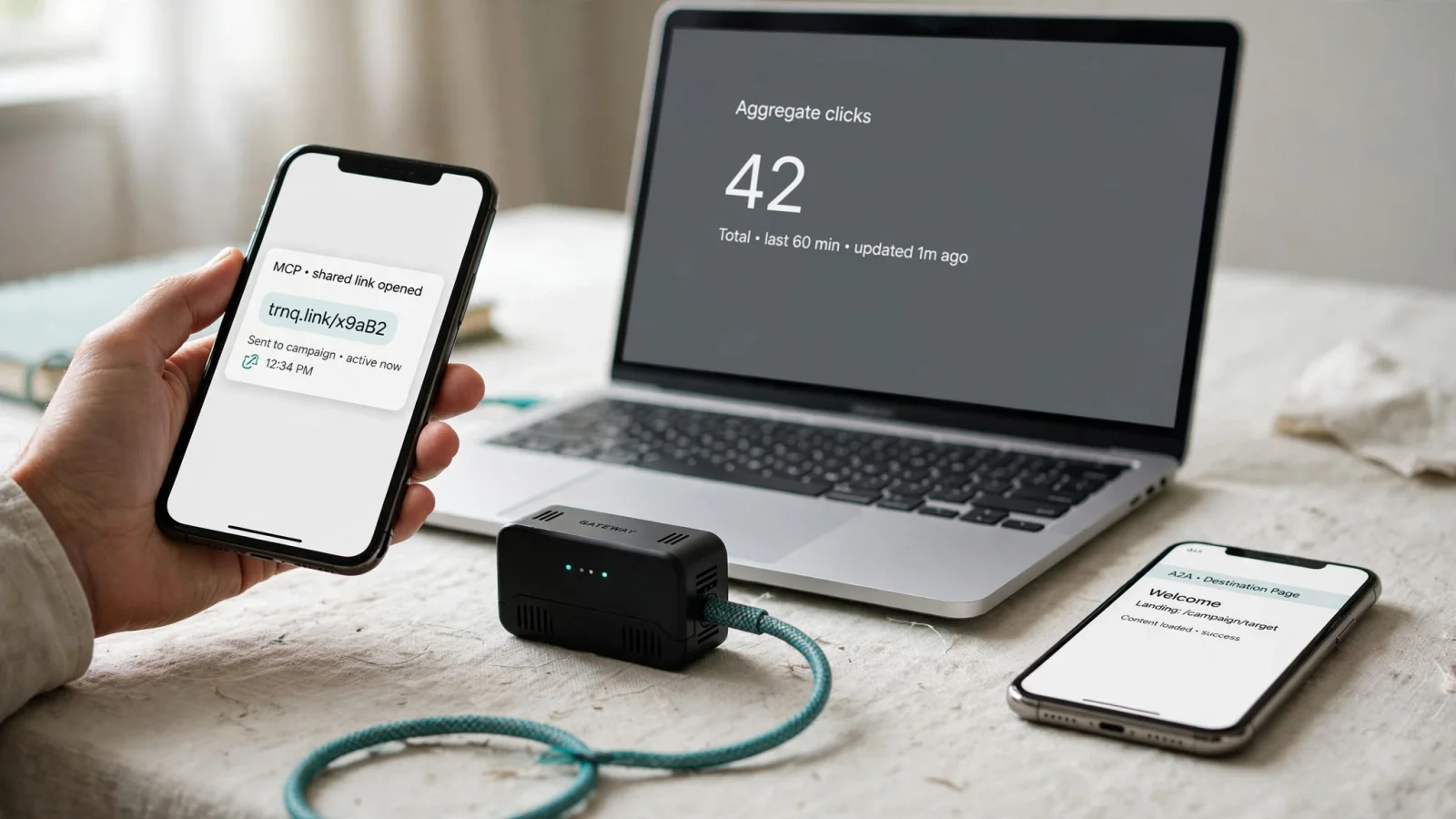
After you approve the final plan and publish the post, the focus shifts to measurement. When users click the shared short link, Trnqify records the visit at redirect time. The platform tallies the click and routes the visitor to the destination URL, avoiding the need to place cookies or tracking scripts on the shared link itself.
A cookie-free redirect provides strong operational data while setting firm limits on visibility. It logs the request, which allows the platform to determine device types and regional locations, but it does not identify a specific person across multiple sessions, build a behavioral profile, or prove what that individual purchased after reaching your landing page. Trnqify never sells user data, keeping your campaign metrics private to your organization. Combining A2A for planning, MCP for execution, and redirect-level tracking for measurement builds a system that respects both architectural boundaries and user privacy.
Which Route Should You Choose for Link Work?
The correct integration route depends on whether your application is executing an action or assigning a goal. Consider this framework for your link-management tasks:
- Create a specified tagged link: Use MCP. The agent has a clear, structured action to perform using a defined capability.
- Ask for click totals or a link-performance summary: Use MCP, provided the connected service exposes the needed analytics operation. Check the specific read capabilities before implementation.
- Plan a campaign requiring copy, channel decisions, and review: Use A2A. The orchestrator delegates the larger task to a specialist agent that returns a completed plan.
- Have a specialist agent complete a plan and create links: Use A2A combined with MCP. A2A handles the handoff to the specialist, and the specialist uses MCP for the individual link actions.
- Execute one simple link call without needing extra expertise: Use MCP alone. Adding an A2A handoff to a basic tool call introduces unnecessary overhead.
Before implementation, check which MCP specification version your SDKs support. The MCP maintainers published a specification update that introduced a stateless protocol core, moving MCP from a bidirectional, stateful protocol to request/response behavior. The Tier 1 SDKs were updated to match, so review your chosen SDK’s version requirements before production deployment. If you are choosing between an agent tool and a fixed HTTP client instead, see MCP vs REST API.
Trnqify provides a complete path from AI generation to measurable results for these agent workflows. The platform creates shareable short URLs, organizes links with UTM source, medium, and campaign tags, and provides per-link and account-wide click analytics. The Free plan already includes MCP and agent access, capped at 100 requests per day, plus unlimited links and clicks and seven days of basic analytics. After 1,000 clicks in a month, Free visitors see a brief marketing interstitial. Standard ($9/month) raises agent access to 500 requests per day, removes the interstitial (25,000 clicks per month included, then $0.10 per 1,000), adds limited API access, and expands analytics to 30 days with country and device breakdowns. Pro ($29/month) raises agent access to 2,000 requests per day and adds custom domains, custom short-link slugs, signed webhooks for link, click-milestone, and domain events, and advanced analytics from day to year with city-level detail and a click location map. Mapping your tool actions to MCP and your campaign delegation to A2A ensures your agents have the exact capabilities they need to operate reliably.
Ready to connect your AI agents to a privacy-first link manager? Explore the API and MCP capabilities at Trnqify to automate your campaign tracking today.
Frequently Asked Questions
When should a marketing agent use MCP instead of A2A?
Use MCP for a bounded link action with known inputs, such as creating a tagged short URL or reading click totals from a tool the server actually exposes. Use A2A when the request is a goal that needs judgment, such as planning a campaign, writing copy, and coordinating channels.
Can MCP and A2A handle one campaign together?
Yes. An orchestrator can delegate the campaign brief to a specialist over A2A. The specialist then uses MCP for the deterministic steps, including UTM suggestions and short-link creation, and returns the finished assets as an A2A task artifact.
Does a free Trnqify plan include MCP and agent access?
Yes. Free already includes MCP and agent access, capped at 100 requests per day, plus unlimited links and seven days of basic analytics. A marketing interstitial appears after 1,000 clicks in a month. Standard ($9/month) raises the cap to 500 requests per day and adds 30-day analytics with country and device breakdowns. Pro ($29/month) raises it to 2,000 requests per day and adds custom domains, custom slugs, signed webhooks, and city-level analytics.
What can cookie-free redirect analytics tell you?
A redirect-time tally can show that a short link was clicked, plus device type and regional location. It cannot identify a person across sessions, build a behavioral profile, or prove what they bought after the landing page.
When is an A2A handoff the wrong tool for link work?
Do not wrap a single link-creation call in A2A. That handoff adds latency, serialization, and state tracking without extra expertise. If the agent already has the destination and tags, call the link tool over MCP directly.