
Click Analytics Without Cookies: What a Redirect Can and Can't Tell You

Image created with AI.
Most link shorteners collect more data about visitors than anyone needs. Some set cookies on the redirect domain, some fire pixel trackers, and some stitch together cross-site identities from browser fingerprints. Trnqify does none of those things on the links you share.
This post walks through exactly what happens when someone clicks a Trnqify short link, what the system records, how location is derived from an IP address, and — just as importantly — what you cannot know. It is a technical walkthrough written so that anyone can check the claims against the code.
What a Click Looks Like
When someone opens https://trnq.io/abc123, here is the sequence:
- The browser resolves
trnq.ioand opens a TCP connection to the redirect server. - It sends an HTTP
GET /abc123request, carrying the user agent, referrer (if any), and accepted language headers. - The redirect handler looks up
abc123in a database, finds the destination URL, and records the click event. - It responds with an HTTP
302 Found, aLocationheader pointing at the destination, and cache-control headers. - The browser follows the redirect to the final URL.
That is it. No JavaScript executes on the redirect domain, no pixels fire, and no cookies are written. The entire exchange takes a few milliseconds.

Image created with AI.
You can verify this yourself: request any Trnqify short link with curl -I and you will see Location, Cache-Control, Pragma, and Expires headers — but no Set-Cookie. The same is true on custom redirect domains.
What Gets Recorded
When the redirect handler processes that request, it writes a single record to a database. The data serves several purposes:
- Identifying the link. The short code and destination URL let you see which of your links got clicked.
- Attribution. The system records who owns the link so clicks roll up to the right account.
- Timing. Timestamps let you build time-series charts and compare campaigns across hours, days, or seasons.
- Device and browser context. The user agent is parsed into device type, operating system, browser, and language so you can see what your audience uses.
- Campaign tracking. UTM parameters from the destination URL let you group clicks by source, medium, and campaign name.
- Geolocation. Country, city, subdivision, continent, and coordinates give you aggregate location data — useful for understanding where your audience is without pinpointing any individual.
- Network context. Autonomous system number, name, and domain let you break down clicks by network provider.
- Custom domains. When a link uses a custom redirect domain, that is recorded so you can report on it separately.
The raw IP address is used for the geolocation lookup and then discarded. It never appears in the stored record. This is documented in the redirect handler code and confirmed by the privacy policy: IP addresses are not stored after geolocation lookup.
Location Without Tracking
The redirect handler calls two geolocation functions for every click. These lookups use local database files bundled with the application — no external API call is made at redirect time.
lookupCity() returns country, city, subdivision (state/province), continent, and latitude/longitude. lookupAsn() returns the autonomous system number, name, and domain. Neither function receives or stores the IP address; it is passed in as a parameter and never persisted.
This is the trade-off: you get aggregate geolocation that is useful for understanding where your audience is, but you cannot pinpoint any individual visitor. The IP address that makes geolocation possible exists only in memory during the lookup and is immediately discarded.
Upgrade to Pro and unlock city-level location data — see exactly which cities your audience is clicking from, not just countries. Standard plan users get country-level breakdowns, while Free plans don’t include location data at all. No matter the plan, your privacy is never compromised: location is always capped at city precision, enforced by design.
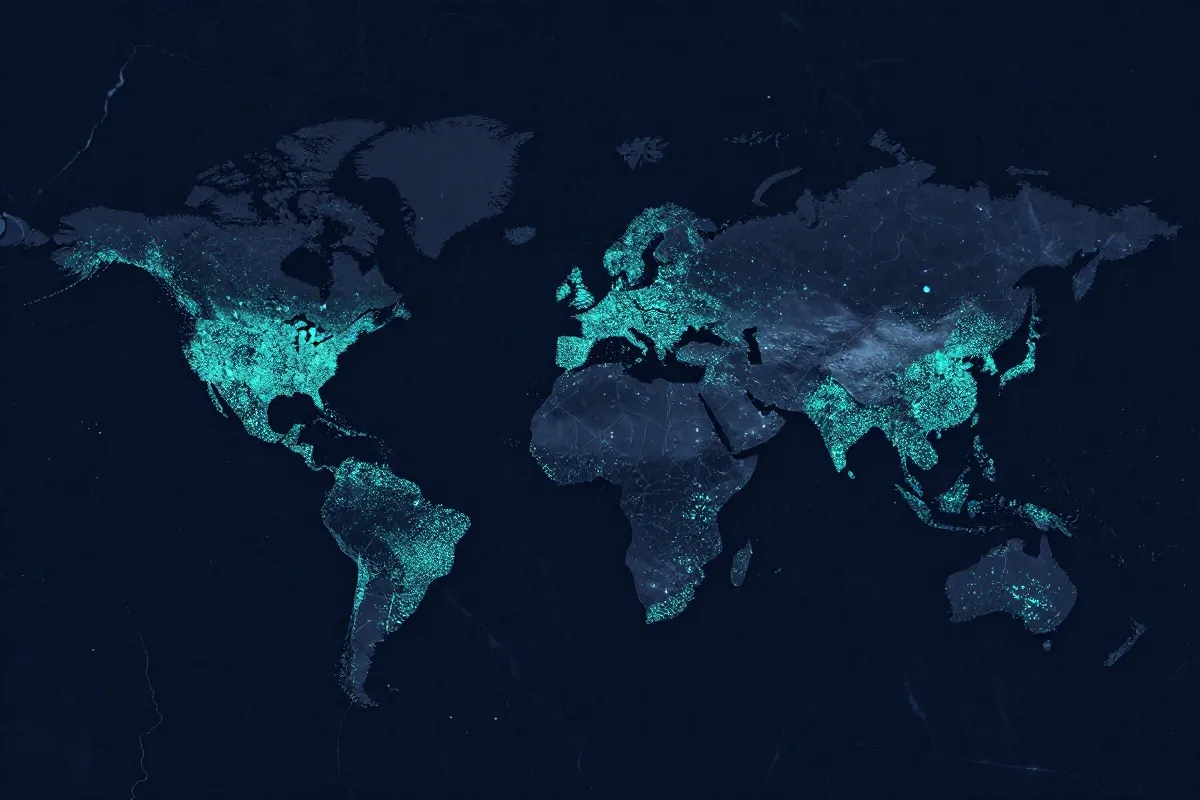
Image created with AI.
What You Cannot Know
Because there are no cookies on the redirect domains and no client-side identifiers, Trnqify deliberately cannot answer several common analytics questions:
- How many unique people clicked? Total clicks yes, unique visitors no. Every request counts, but the system has no way to know if two clicks came from the same person.
- How many repeat visitors are there? Without a persistent identifier, repeated clicks from the same browser look like new clicks.
- Did this person click another link I created? Each short link is an independent event. There is no cross-link visitor graph.
- What did the person do after clicking through? The redirect ends at the destination URL. If the destination site sets its own cookies, that is a separate analytics stack entirely.
This is by design. The product was built on the principle that link analytics should answer campaign questions (did this link get clicked, from where, and on what device?) without pretending to track people.
For most marketing use cases — comparing channels, measuring campaign performance, spotting geographic trends — aggregate click data is sufficient. What you give up by not tracking people is the ability to build a visitor identity graph. What you gain is privacy that works regardless of browser restrictions, consent banners, or user preferences.
Where Cookies Do Exist
It is important to be precise about scope: there are no cookies on the links you share (on trnq.io and custom redirect domains). That is a deliberate, documented choice.
Cookies may exist on trnqify.com — the app and dashboard domain — for authentication, session management, and feature functionality. That is a different thing from the links customers share, and it serves a different purpose: keeping you logged in while you manage your links.
The distinction matters because the privacy policy treats them separately. The redirect domains exist to pass visitors from point A to point B as efficiently and transparently as possible. The app domain exists to let you manage your links, view analytics, and configure settings. One does not need cookies; the other does.

Image created with AI.
Retention
Three years of click data gives you enough history to compare campaigns across seasons, track evergreen content performance, and spot year-over-year trends. After that window, the data is automatically cleaned up — no manual cleanup required.
Try It
The free plan includes URL shortening and click analytics with no credit card required. Create a link, share it, and watch the clicks come in — without cookies on the redirect domain.
Try Trnqify free and see the analytics for your next campaign.
Frequently Asked Questions
What happens when someone clicks a Trnqify short link?
The browser sends an HTTP request to the redirect server, which looks up the link in a database, records the click event with metadata (timestamp, user agent, approximate location from the IP via a geolocation lookup service), and responds with an HTTP 302 redirect to the destination URL. No cookies are set on trnq.io or custom redirect domains.
What data does Trnqify record per click?
The link path, request ID, owner ID, timestamp (to the second and hour), user agent, UTM parameters from the redirect, geolocation data (country, city, subdivision, continent, coordinates), and servedHost or customDomainId when applicable. The raw IP address is never stored.
Can you tell how many unique people clicked a link?
No. Without cookies or client-side identifiers on the redirect domains, Trnqify cannot count unique visitors, repeat visits, or cross-site journeys. It reports total clicks and breakdowns by country, device, referrer, and time — which is enough for campaign measurement.
Where do cookies exist in the Trnqify ecosystem?
Cookies may be set on trnqify.com (the app and dashboard) for authentication and session management. The links you share, on trnq.io and custom redirect domains, do not set cookies. That distinction is intentional: the app needs sessions; the links don't need to track anyone.
How long is click data kept?
Click data is retained for three years, then expired automatically via a database time-to-live setting. This matches the retention stated in Trnqify's privacy policy.