
Why Your Short Links Are Talking to You (and How to Listen)
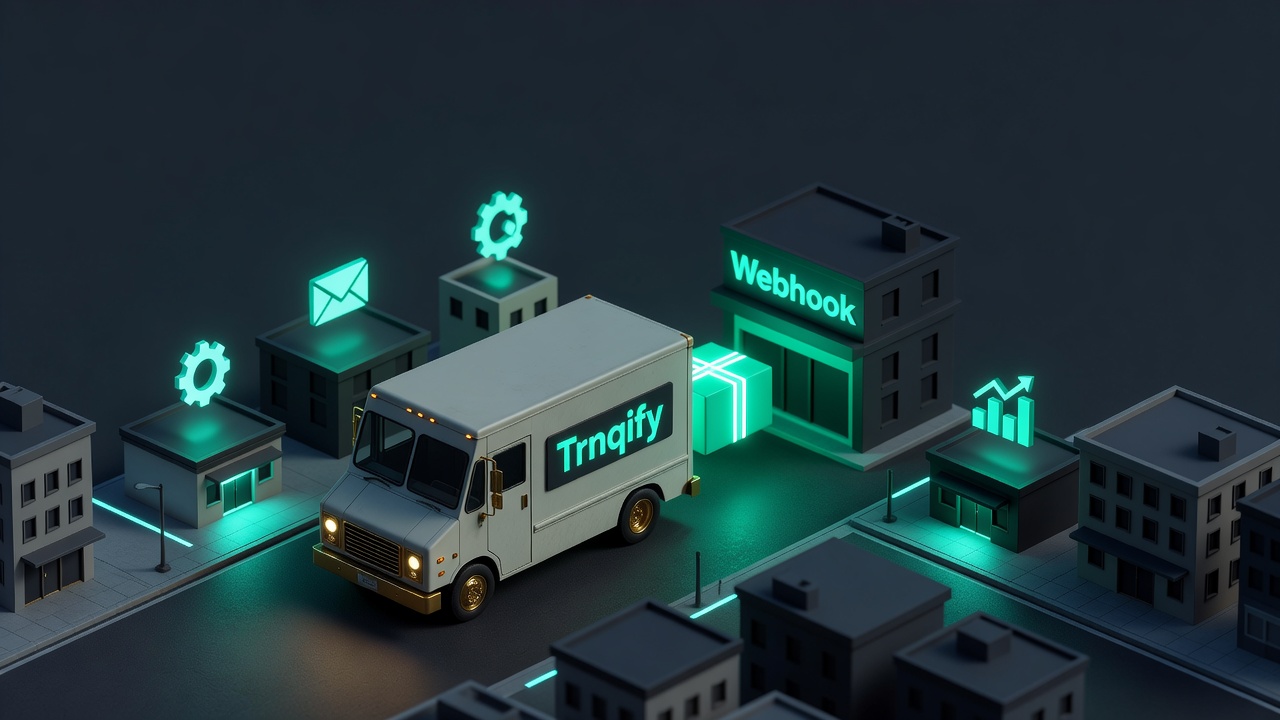
You have a short link. Someone clicks it. That click is data — but data only matters when you do something with it.
Imagine this: a customer scans a QR code at your pop-up shop, lands on a registration page, and within seconds your inventory system automatically reserves their seat. No manual entry. No form submission. Just a click, and your systems already knew what to do.
That is webhooks in action — Trnqify’s real-time event notifications that turn passive short links into active triggers.
What Webhooks Actually Do (Beyond Click Analytics)
Click analytics tell you what happened after the click. Webhooks let your systems react at the moment of the click — or even before it, when a link is created. If you want to see what happens when the click lands, our guide on cookie-free analytics covers what a redirect can and can’t track.
Here is what fires in Trnqify:
| Event | When it happens | What you get |
|---|---|---|
link.created | A short link is generated (via the app, API, or MCP) | Link ID, destination URL, owner ID, creation timestamp |
link.clicked | A visitor clicks a short link | Link ID, destination URL, timestamp, browser, operating system, country (aggregate), referrer, UTM parameters |
link.updated | The destination URL or settings change on an existing link | Link ID, new destination URL, update timestamp |
link.deleted | A short link is removed by the owner | Link ID, deletion timestamp |
Every event carries a JSON payload with enough context for your systems to make decisions — no polling, no delay.

Why This Is a Game-Changer for Marketing Ops
Think about the workflows that currently require someone to check a dashboard and then manually update something in another tool:
- A webinar registration link gets 50 clicks — time to send a “seats filling up” reminder?
- A product launch link crosses 1,000 clicks — notify the sales team to start following up?
- A partner’s referral link is created — automatically add their details to your CRM?
With webhooks, none of that requires a human watching a screen. Your systems react the instant the event happens. If you haven’t already, trnqify 1.5 added custom slugs and signed webhooks to make your links even more powerful.
How Trnqify Keeps Your Webhooks Secure
Every webhook payload is signed with HMAC-SHA256 — the same cryptographic method used to sign Git commits and API tokens. This means your endpoint can verify two things:
- The request came from Trnqify (not a hacker spoofing your endpoint).
- The payload was not tampered with between Trnqify and your server.
Here is exactly how it works:
- Header:
X-Trnqify-Signature— a hex-encoded HMAC of the signed data. - Signed data:
timestamp + ":" + SHA256(payload)— the timestamp prevents replay attacks (we reject anything older than 5 minutes), and hashing the payload ensures it was not altered in transit. - Your secret: A unique key you generate in the Trnqify Integrations panel, never shared with anyone else.
A Quick Verification Example
Here is a minimal Node.js endpoint that verifies and processes Trnqify webhooks:
const express = require('express');
const crypto = require('crypto');

const app = express();
app.use(express.json());

// Your secret from the Trnqify Integrations panel
const SECRET = process.env.TRNQIFY_WEBHOOK_SECRET || 'your-secret-here';
const TOLERANCE_SECONDS = 300; // 5 minutes

function verifyWebhook(req) {
  const sigHeader = req.get('X-Trnqify-Signature');
  if (!sigHeader) return false;

  const timestamp = req.get('X-Trnqify-Timestamp');
  if (!timestamp) return false;

  // Check for replay attacks (older than 5 minutes)
  const now = Math.floor(Date.now() / 1000);
  if (Math.abs(now - Number(timestamp)) > TOLERANCE_SECONDS) return false;

  // Hash the payload and combine with timestamp
  const payloadHash = crypto.createHash('sha256')
    .update(JSON.stringify(req.body))
    .digest('hex');

  const signed = `${timestamp}:${payloadHash}`;

  // Compare the expected HMAC with the received signature
  const expected = crypto.createHmac('sha256', SECRET)
    .update(signed)
    .digest('hex');

  return crypto.timingSafeEqual(
    Buffer.from(expected),
    Buffer.from(sigHeader)
  );
}

app.post('/webhook/trnqify', (req, res) => {
  if (!verifyWebhook(req)) {
    console.warn('🚨 Invalid webhook signature');
    return res.status(400).send('Invalid signature');
  }

  // ✅ Signature verified — handle the event
  console.log('✅ Event received:', req.body);

  // Your business logic here: update inventory, fire an email, log a conversion…
  res.sendStatus(200);
});

app.listen(3000, () => console.log('🦾 Webhook listener running on :3000'));
Running a test
# 1️⃣ Set your secret (get it from the Integrations panel)
export TRNQIFY_WEBHOOK_SECRET='your-secret-here'

# 2️⃣ Start the server
node webhook-receiver.js

# 3️⃣ Send a test event (or create a real link and watch it fire)
curl -X POST http://localhost:3000/webhook/trnqify \
  -H "Content-Type: application/json" \
  -H "X-Trnqify-Timestamp: $(date +%s)" \
  -d '{"event":"link.clicked","linkId":"abc123"}'
When your server logs ✅ Event received:, you know the signature verified successfully.
What Happens When Deliveries Fail
Not every endpoint is available 100% of the time — and that is okay. Trnqify handles failures gracefully:
- Automatic retries: Failed deliveries are retried up to 5 times with exponential back-off (1s, 2s, 4s, 8s, 16s).
- Dead-letter queue: After all retries are exhausted, the event is stored for 48 hours. You can view and replay it from the Failed Webhooks page in your dashboard.
- Alerting: Enable Slack or email notifications so your team knows when deliveries are failing before they become a problem.
Which Plans Include Webhooks
| Plan | Webhook Features |
|---|---|
| Free | Not available (click analytics included) |
| Standard | Up to 5,000 webhook events/month; basic event types |
| Pro | Unlimited events; all event types (created, clicked, updated, deleted); custom headers |
When you downgrade from Pro to Standard or Free:
- Existing webhook URLs remain active for the remainder of your billing cycle.
- New events stop once you reach your lower-tier monthly quota.
- A “downgrade pending” banner appears in the Integrations panel with your exact cutoff date.
What I Wish Had Been Easier (From Discovery)
Based on how teams actually use webhooks, here are a few things that would make Trnqify even better:
- A “Test Payload” button in the Integrations UI — fire a sample event to your endpoint without creating an actual link click.
- One-time-view secrets — generate the HMAC secret once, view it once, then never see the raw value again. Reduces accidental leaks in screenshots and chat messages.
- A “link.deleted” event on Standard — currently only available on Pro, but teams managing partner links often need to know when a link is removed.
Have your own suggestions? Drop them in the comments.
Get Started: From Zero to Webhooks in 5 Minutes
- Create a free account at trnqify.com — no credit card required.
- Upgrade to Standard (from $9/month) or Pro (from $29/month) in Settings → Integrations.
- Generate your webhook secret and add the URL of your endpoint (our Node example above works as-is).
- Choose which events you want — created, clicked, updated, deleted.
- Test it. Create a short link and watch your endpoint receive the first
link.createdevent.
That is all it takes to turn passive short links into active triggers for your marketing, sales, and product workflows.
Create a free Trnqify account and start listening to your links.
Frequently Asked Questions
What are webhooks in Trnqify?
Webhooks let Trnqify notify your own systems when something happens to one of your short links — a click, a creation, or a deletion. Instead of polling the API over and over, your server gets pushed an event in real time.
Which Trnqify plans include webhooks?
Webhooks are available on Standard (up to 5,000 events per month) and Pro (unlimited). Free accounts do not include webhooks but still get full click analytics.
Are webhook payloads signed?
Yes. Every Trnqify webhook is signed with HMAC-SHA256 so your endpoint can verify it came from Trnqify and was not tampered with. The docs cover the exact header format and a verification example.
What happens to webhooks if I downgrade?
Existing webhook URLs stay active for the rest of your billing period. New events stop once you reach your lower-tier quota.