
UTM Tracking vs. Link Tracking: What Each Measures
Measuring a campaign requires knowing both how many times a link was clicked and what those clicks accomplished on your website. When you share a URL in an email, a social post, or an SMS message, the path from the initial tap to a completed purchase crosses several distinct systems.
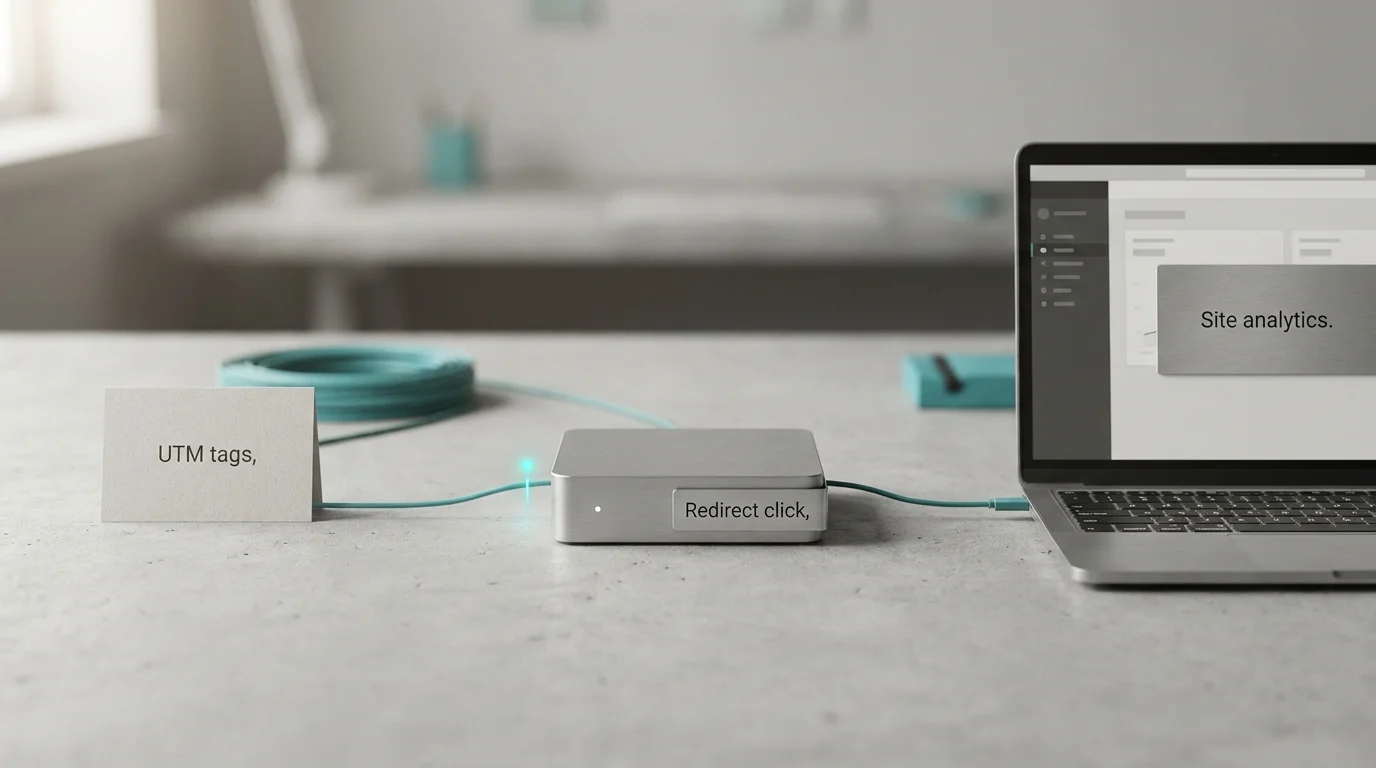
Comparing UTM tracking vs link tracking clarifies how those systems hand data to each other. A short link records the initial request as it redirects the visitor, which gives you an immediate signal of engagement. UTM parameters ride along on that final URL, telling your website analytics platform exactly which campaign drove the traffic. Neither method replaces the other, and using them together connects the top-of-funnel click with the downstream conversion.
What Does UTM Tracking Measure?
UTM tracking measures the context of an inbound visit by answering where the traffic came from and why it arrived, provided the destination website is configured to read the tags.
Five standard parameters make up this system. The utm_source identifies the specific platform or vendor sending the traffic, such as a newsletter list or a social network. The utm_medium describes the marketing channel or delivery method, such as email, cost-per-click, or organic social. The utm_campaign names the specific promotion or product launch. For deeper granularity, utm_content distinguishes between different creative variations like a text link versus a hero image, while utm_term identifies the exact keyword bought in a paid search campaign.
A fully tagged URL looks like this:
https://example.com/spring-sale?utm_source=instagram&utm_medium=organic_social&utm_campaign=spring_launch
This URL carries data, but it does not process it. The destination analytics platform must collect those parameters for them to appear in your traffic reports. The tags classify the incoming traffic without actively counting clicks, identifying individual people, or measuring conversions by themselves. They act as labels for the door the visitor walked through.
Google Analytics processes these custom URLs exactly as they are written, and the values are strictly case-sensitive. If one team member tags a post utm_source=Instagram and another uses utm_source=instagram, the reporting platform splits the traffic into two separate line items. Adopting a consistent, lowercase naming convention prevents fragmented reporting and keeps campaign data organized.
What Does Redirect-Level Link Tracking Measure?
Link tracking refers to shortener-side measurement that happens when a short URL is requested and redirected. For this workflow, it does not include email open tracking pixels, affiliate program attribution, or on-page behavioral analytics.
When a user taps a short link, their browser sends a request to the shortening service. The service logs that request, looks up the long destination URL, and sends an HTTP redirect command back to the browser, which then follows that redirect to the final destination.
This initial request is recorded before the destination analytics platform ever collects a page view. Because of this timing, the redirect activity does not prove a human fully loaded the page, began a session, or converted. The metric you see in a link management dashboard is best described as clicks or redirect-level activity, rather than distinct visitors.
Trnqify provides this cookie-free link analytics at redirect time without appending tracking scripts to your shared links. The platform records the request environment, such as the device type and generalized location, without installing third-party cookies on the user’s browser, and it does not sell user data. On the Free plan, you receive 7 days of basic analytics. The Standard plan ($9/mo) expands this to 30 days with country and device breakdowns, while the Pro plan ($29/mo) adds city-level analytics and an interactive click location map.
Why Don’t Clicks, Sessions, and Conversions Match?
Comparing these measurement methods side-by-side reveals why their totals rarely align perfectly. A click happens at the redirect, a session begins when the destination site executes its analytics script, and a conversion triggers when a specific site event completes.
| Measurement Layer | What it measures | Best for | What it does not establish by itself |
|---|---|---|---|
| UTM Tagging | Campaign labels in the destination URL | Classifying incoming traffic in website analytics | Click volume, visitor identity, or site conversions |
| Redirect-Level Link Tracking | Activity recorded when a short link is requested | Per-link click measurement before the site loads | Unique human visitors, successful page loads, or actions |
| Destination Analytics | Sessions and events collected on the site | Engagement and campaign-attributed outcomes | A one-to-one match with short-link click counts |
A redirect request happens milliseconds before site collection begins, creating a natural drop-off gap. A mobile user might tap a link, hit a slow cellular connection, and close their browser before the destination page finishes loading. The link shortener records the click because it processed the redirect, but the website analytics platform records nothing because its script never fired.
In Google Analytics 4, traffic-source dimensions have session and event scopes. If a user clicks a campaign link, explores your site, leaves the tab open, and clicks a different campaign link to return to the site while the original session is still active, GA4 does not start a new session for that second campaign. Instead, GA4 associates the new campaign values with the events for which they were collected, not with the existing session.
The Impact of Automated Email Scans
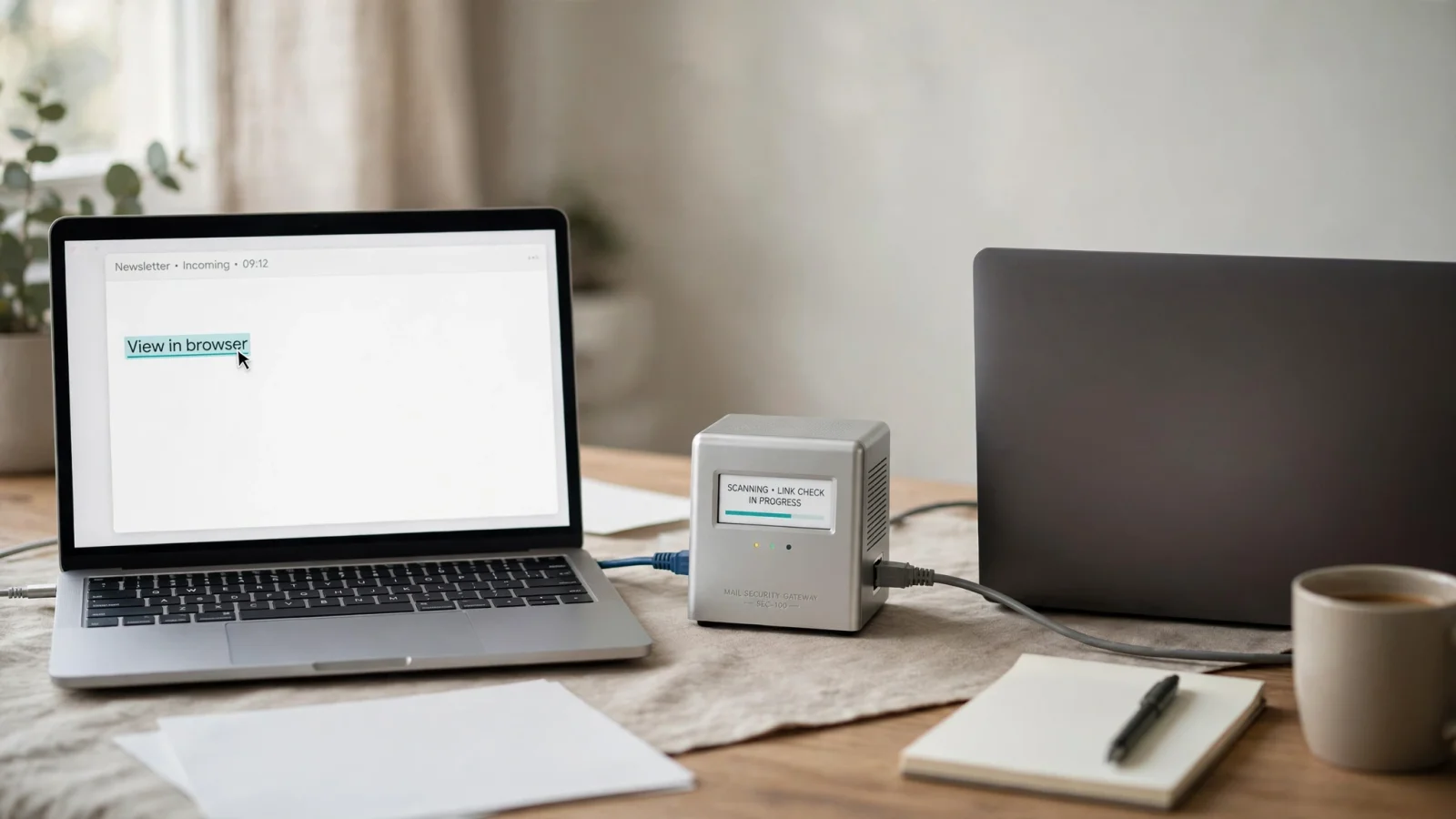
If you distribute tagged links through corporate email newsletters or automated marketing blasts, the gap between link clicks and website sessions widens. Email security gateways inspect incoming messages for phishing attempts and malware before delivering them to a subscriber’s inbox, and systems like Microsoft Defender Safe Links automatically rewrite and investigate URLs. When the security scanner tests the link to see where it leads, it follows the redirect. The link shortener receives this request and logs it as a click.
Mailchimp explains that automated requests can inflate its email campaign click metrics, because security services, Apple Mail Privacy Protection (MPP), and link-preview generators often click links before recipients do. So a recorded click in Mailchimp’s reports does not always represent a person reading your email. For context, compare the initial click volume with downstream sessions to understand the baseline noise in your email channel.
Verdict: When Should You Use Both?
You should use both methods when you need redirect-level click activity to evaluate immediate engagement alongside downstream campaign reporting to track revenue or signups. Rely on your short link tracker to tell you if a specific social post generated clicks, and use your destination analytics to see whether purchases were attributed to that campaign.
Setting up this unified measurement sequence requires a few distinct steps.
First, define how your organization formats its tags. You need a consistent UTM naming convention that standardizes your source and medium values so your traffic does not split across multiple capitalized variations.
Next, apply those tags accurately. You can describe your campaign to Trnqify’s in-app AI UTM Assistant using a plain-language prompt, such as “Instagram organic post promoting the spring sale.” The assistant will suggest the exact source, medium, and campaign values. Review these suggestions against your established convention, apply them to the destination URL, and generate the short link.
For developers and technical teams, Trnqify provides an MCP (Model Context Protocol) server. This allows AI agents like Claude, Cursor, or ChatGPT to create and manage these short links programmatically. You can connect your agents via OAuth and revoke access at any time through the API Keys modal, automating the tagging and shortening workflow directly from your development environment.
Test your UTM parameters before taking a campaign live. Open the short URL, confirm the redirect reaches the correct destination, and verify that the final URL in your address bar retains the tags. Check your analytics real-time reports to ensure the platform captures the expected campaign data.
Finally, compare the two reports over time without forcing the totals to match. Trnqify provides the top-of-funnel redirect volume, while your site analytics provides the behavior.
Different teams adapt this workflow based on their channel requirements:
- Paid Media: Google Ads URLs that use auto-tagging include a GCLID. When manual UTMs and auto-tagging are both present, Google Analytics uses auto-tagged values for source, medium, and other traffic-classification dimensions, except when a GCLID or DCLID cannot be used as intended and a UTM parameter is present, in which case Analytics derives all cross-channel traffic-source dimension values exclusively from the UTMs. So preserve your configured auto-tagging and follow the platform’s guidance before adding manual UTMs to paid links.
- Email Newsletters: Use UTMs to separate newsletter traffic from other email sources. Review link-level clicks to gauge subject-line and placement success, and compare those clicks with site sessions.
- Creators and Small Businesses: When you cannot access a destination’s analytics, use any link-level data you can measure independently to assess post performance.
Trnqify connects plain-language campaign creation with privacy-conscious link measurement. Describe your campaign to the AI UTM Assistant, generate consistently tagged short links, and track redirect activity without tracking scripts. Create your first campaign at trnqify.com. If you have specific configuration questions, you can reach out to support@trnqify.com.
Frequently Asked Questions
Are UTM tracking and link tracking the same?
UTM tracking involves appending parameter text to a long URL so the destination website knows where the visitor came from. Link tracking involves recording a server request when someone clicks a shortened URL, before the destination website loads.
Does a link click equal a website session?
A link click represents a request sent to the redirect server, while a session is recorded when the destination site's analytics platform collects session data. Network timeouts, closed browsers, and analytics session-scoping rules can cause the two numbers to differ.
Can click analytics identify who clicked?
Click analytics at the redirect level logs the request metadata, such as the timestamp, device type, and generalized geographic location based on the IP address. It does not establish a persistent user profile or cross-site identity, and Trnqify records this data without placing cookies on the user's device.
Do UTM parameters require cookies?
UTM parameters themselves are text tags in a URL and do not require cookies to exist. However, the destination analytics platform that reads and stores those parameters usually relies on first-party cookies to associate that traffic source with the visitor's subsequent page views and return visits.
Can a short link preserve UTM parameters?
A short link can point to a fully tagged destination URL. When the shortener executes the redirect, it hands the browser the long URL complete with its UTM parameters, and the browser then requests the destination using that full string. Test the final destination URL to ensure your specific setup preserves the tags through the redirect.
Why might email click reports differ from website analytics?
Email click reports often exceed website analytics sessions because enterprise email security systems automatically scan links for malicious intent. The scanner follows the redirect, registering as a click in your link reports, but it does not load the destination website's analytics script, which means no session is recorded.