
Bitly API Alternatives for Developers
Evaluating a Bitly API alternative means testing how the replacement handles link creation payloads, preserves campaign parameters, and reports click analytics. The replacement should fit existing automated workflows without breaking destination URLs or skewing historical data. While many teams look for a service with identical endpoints, matching REST field names matters less than checking underlying capabilities. During a pilot, check whether the API accepts unencoded query parameters, how the system defines a unique session, and whether the provider places tracking scripts on shared short links.
For a first pilot, Trnqify can help turn a plain-language campaign description into suggested UTM tags for a short link, then measure clicks at redirect time without cookies or tracking scripts. It is a practical candidate when privacy-conscious measurement and agent connectivity matter. Before a production rollout, check its REST schema, authentication, and current limits. Rebrandly fits environments built around branded links and workspace URL-parameter templates. Bitly remains a capable baseline, offering established link creation, analytics, and official Model Context Protocol (MCP) tools for AI agents.
Comparing these three providers means looking past marketing pages and examining their developer documentation. A successful migration depends on shared criteria: how to format creation payloads and preserve UTMs, align analytics definitions, handle request limits, assess privacy evidence, and expose actions through agent connections. Trnqify’s MCP server can connect AI agents through OAuth, with access managed through tokens that you can revoke, so include those permissions in your review.

Requirements for a Bitly API Alternative
An alternative API needs to show that it can reliably ingest a long destination URL and return a short link while honoring the expected metadata. This process involves several moving parts: the system authenticates the request, validates the payload format, generates a unique slug, and stores the mapping. If your workflow includes campaign tracking, the API also needs a mechanism for appending or preserving those tags.
The provider also needs to define its measurement rules clearly. A raw redirect count differs from a distinct-device session count, so the JSON returned when an application queries the metrics endpoints needs to match the business logic of the dashboard displaying it. If the old provider counted every HTTP request and the new provider filters out known bot user agents, the resulting reports will show a sudden drop in traffic.
Request limits dictate the architecture of the integration. A generous monthly quota provides little value if the API enforces a strict concurrency cap or a low requests-per-second threshold. Applications processing links in batches often hit concurrency limits before they exhaust their hourly token buckets. To assess a replacement, locate the endpoints that return current account quotas and understand the provider’s HTTP 429 backoff requirements.
Privacy practices and agent connectivity form the final evaluation layer. A modern link shortening integration often connects to AI agents through MCP or Agent-to-Agent (A2A) protocols. If the provider supports these connections, check which specific link and analytics actions the agent can perform. The way the provider measures clicks also matters, because storing visitor data, deploying tracking cookies, or selling user profiles introduces compliance obligations that a plain server-side redirect avoids. Trnqify’s documented product capabilities include MCP connectivity, so check A2A support separately if your workflow depends on it.

Trnqify: UTM Suggestions and Agent-Assisted Workflows
Trnqify combines an AI UTM Assistant with redirect-level click measurement. The application suggests source, medium, and campaign tags from a plain-language brief rather than requiring you to memorize standardized parameter strings. This capability helps you apply consistent campaign tracking without manually editing URLs in a spreadsheet. You can then use the suggested tags when creating a short link and measure its clicks without cookies or tracking scripts.
Trnqify provides an API and native MCP compatibility. Its documented MCP example shows link-creation requests accepting separate fields for the destination, source, medium, and campaign. Allowing an agent to populate discrete JSON keys reduces the risk of generating improperly encoded URL strings. Trnqify’s MCP server lets users connect agents such as Claude, Cursor, and ChatGPT/Codex through OAuth, manage tokens in the API Keys modal, and revoke access when needed. Before building a production integration, check the current developer documentation for the exact REST endpoint names, payload structures, and authentication headers. You can review the broader context in this guide to choosing a URL shortener API.
The platform measures clicks at redirect time. Trnqify states that shared links use no cookies or tracking scripts and that it does not sell user data. These product claims position the service well for privacy-conscious teams, though you should conduct your own compliance reviews. Recording the redirect event without client-side scripts means the platform counts the navigation action itself, which avoids data loss when ad blockers block third-party tracking pixels.
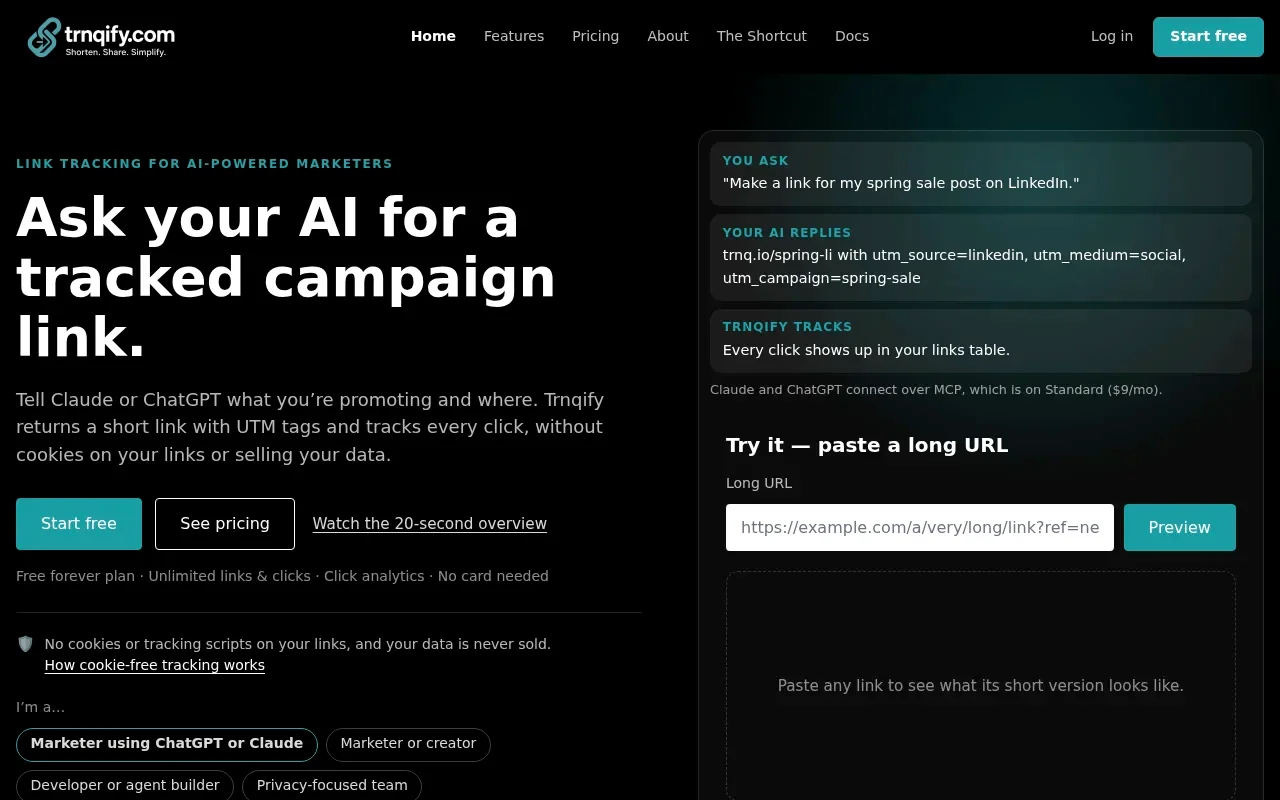
Plan tiers determine the available features and capacity. The Free plan allows unlimited links and clicks, displaying a brief marketing interstitial to visitors after the account exceeds 1,000 clicks in a month. It also includes basic analytics with a 7-day range and the in-app AI UTM Assistant. Upgrading to a paid tier removes the interstitial and provides direct redirects. The Standard plan costs $9 per month and includes 25,000 clicks per month, with $0.10 per 1,000 additional clicks, plus 30-day analytics with country and device breakdowns and up to 10,000 API requests per day. Standard also includes API and MCP access.
The Pro plan, priced at $29 per month, includes full API and MCP access with no daily request cap, one custom domain, custom short-link slugs, and city-level analytics with a click location map and day-to-year granularity. It also includes up to three signed webhooks for link, click-milestone, and domain events. Contact support@trnqify.com if you need to confirm the live status of specific plan-gated features before beginning a migration. If you rely on automated marketing workflows, Trnqify’s MCP support offers a pathway for connecting AI agents to marketing automation tasks. If your workflow requires A2A connectivity, check its availability for your use case rather than assuming it follows from MCP support.
Rebrandly: Branded Links and Workspace Templates
Rebrandly structures its API around custom domains and detailed link properties. The primary endpoint for generating a short URL requires a destination and accepts optional parameters. You interact with the POST /v1/links flow by submitting a JSON payload that can specify a particular slashtag, attach a title, and assign the link to a specific custom domain.
The platform supports workspace URL-parameter templates, which allow you to define default query strings, including UTM fields, that apply to links created within that workspace. During migration, test whether these workspace rules automatically append to links generated through the API. If the API payload includes a destination that already contains parameters, the system might duplicate tags or ignore the template. Check the resulting destination URL structure during the staging phase.
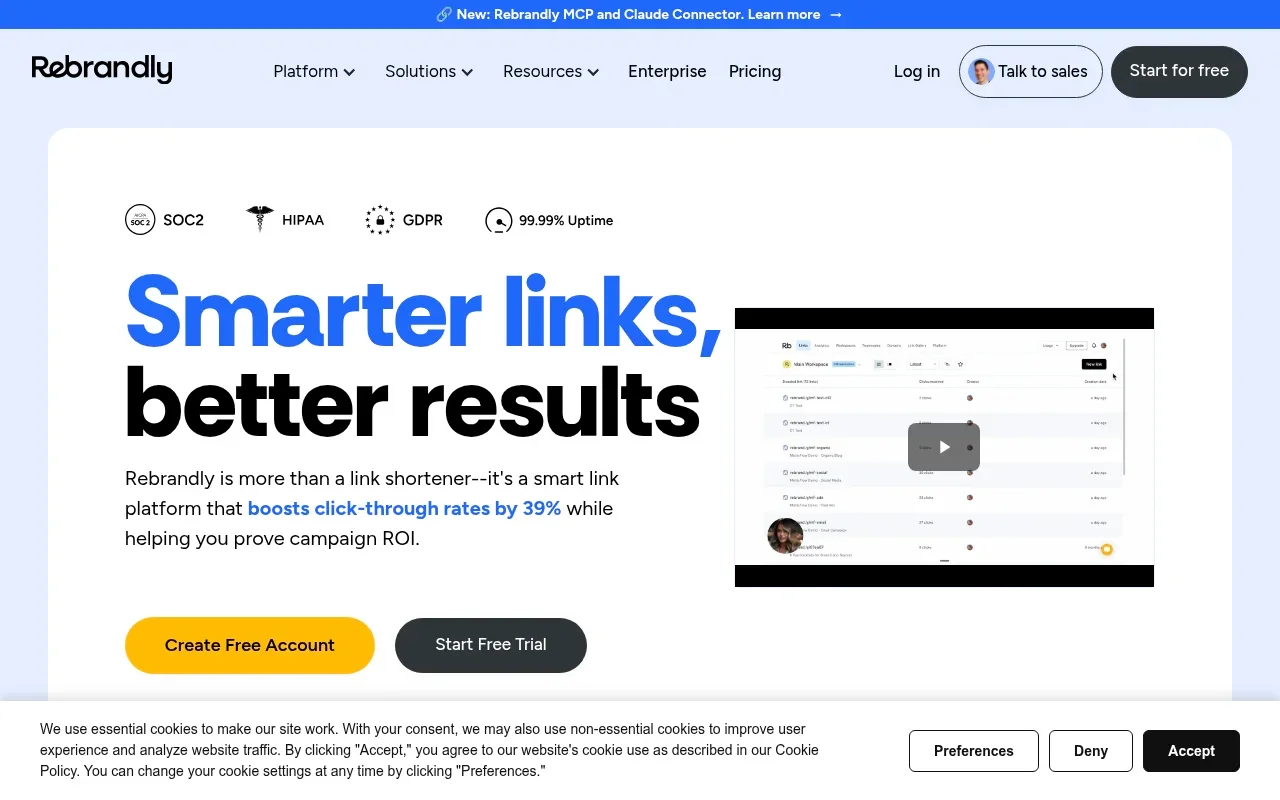
Analytics in Rebrandly distinguish individual redirections from distinct devices. The link analytics documentation defines clicks as individual redirections and sessions as distinct devices, and the basic API returns a last-click timestamp. More granular segmented reports covering originating country, declared device and platform, and referral-segment type are available on request for Enterprise-grade plans. This distinction between clicks and sessions requires careful alignment if your previous provider only reported a single traffic metric.
The API limits page lists default API limits of 10 requests per second and 20,000 calls per hour, but Enterprise accounts can have a custom limit. Check the quota applied to your account before finalizing the integration architecture.
High-volume campaigns use a completely separate route. The high-volume endpoint processes link creation arrays, accepting up to 25 links per request at a default rate of one request per second. Links created through this route are API-only, do not appear in the web dashboard, and carry a mandatory expiration policy capped at a maximum 90-day time-to-live. Rebrandly also documents an MCP server that handles link management, analytics retrieval, and workspace operations.
Bitly: A Capable Baseline With API and MCP
Bitly provides an extensive set of endpoints for link creation, management, and metric retrieval. The standard link generation flow uses POST /v4/shorten, which accepts a required long_url string and returns the shortened link. Applications needing richer configuration, such as setting a custom domain or adding descriptive tags, use the POST /v4/bitlinks endpoint.
The documented shorten schema does not include separate JSON fields for utm_source, utm_medium, or utm_campaign. Applications need to parse and append these query parameters to the long URL before submitting the request to the Bitly API. If the destination URL already contains a query string or a hash fragment, the application logic needs to handle the correct placement of ampersands and question marks. Treat UTMs as part of the destination unless current documentation confirms another method for your account.
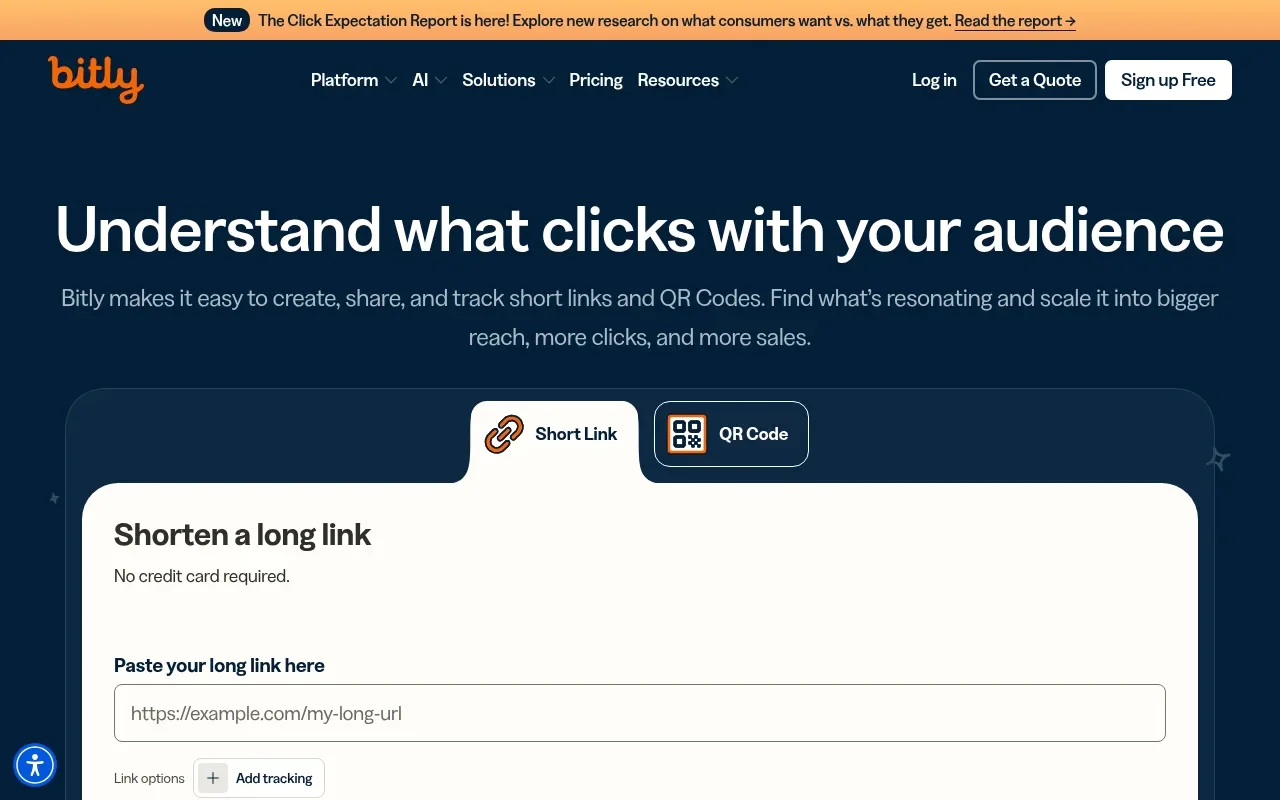
Click metrics are available at both the individual link and group levels. The metric retrieval documentation describes endpoints that return click counts, summaries, and time-series data. The availability of location and device-type breakdowns depends on the active subscription plan, and the amount and range of historical data you can retrieve also depend on your plan. Check your plan’s historical-data range before requesting older metrics.
Rate limits on the Bitly API apply at multiple levels. The provider enforces hourly, per-minute, and monthly limits that scale with the account type, and the documented per-minute limit sits at one-tenth of the total hourly limit. The documentation states a strict maximum of five concurrent connections from a single IP address, which creates significant challenges for serverless architectures where multiple functions might spin up simultaneously and attempt to reach the API. The dedicated limits endpoint returns your current allowances.
Bitly supports agent workflows through an official set of MCP tools. The August 2026 entry in the official MCP changelog details the renaming of link, QR-code, analytics, and account-management tools with the bitly_ prefix. That prefix helps agents discover these tools more reliably, a practical benefit for teams building AI-assisted automation with Bitly.
Where the APIs Differ in Practice
Evaluating these providers requires mapping their capabilities against the exact demands of your workflow. A feature that works well in a web dashboard might require extensive custom logic to replicate through an API request. The table below outlines how Bitly, Rebrandly, and Trnqify compare across six technical criteria.
| Decision factor | Bitly | Rebrandly | Trnqify |
|---|---|---|---|
| Link creation | POST /v4/shorten requires long_url; richer creation via POST /v4/bitlinks. | POST /v1/links requires destination; accepts optional properties like domain and slashtag. | Creates short links through its API and MCP; check current documentation for exact fields. Its in-app AI UTM Assistant suggests tags from a plain-language description. |
| UTM handling | Schema lacks separate UTM fields. Tags must be appended to the destination URL before request. | Workspace URL-parameter templates exist. Must test if they automatically apply to API links. | AI UTM Assistant suggests tags. MCP example shows discrete source, medium, and campaign fields. |
| Click analytics | Per-link and group metrics. Location, device, and historical depth depend on subscription plan. | Clicks (redirections) separated from sessions (distinct devices). Segmented reports on Enterprise. | Redirect-level recording. Standard gives 30-day analytics with country/device; Pro adds city-level data and a click location map. |
| Request limits | Hourly, per-minute (1/10th of hourly), and monthly limits. Maximum 5 concurrent connections per IP. | 10 requests/sec. Conflicting hourly limits (20k vs 36k). High-volume route allows 25 links/req. | Standard allows 10,000 API requests/day and 25,000 clicks/month, with $0.10 per 1,000 additional clicks. Pro has no daily request cap. |
| Privacy evidence | API/analytics docs do not establish cookie, retention, or data-sale practices. | Developer docs do not establish cookie, script, or data-sale practices. | Product claims no cookies/tracking scripts on shared links, and no sale of user data. |
| Agent connectivity | Official MCP tools for links, QR codes, and analytics documented since August 2026. | MCP server documented for link management, analytics, and workspace operations. | MCP server supports agent connections through OAuth. Confirm A2A availability separately if required. |
The most significant differences emerge in payload construction and limits handling. When an API requires you to embed UTM parameters directly into the destination string, the application needs a robust URL parsing library. The logic detects existing query strings, determines the correct delimiter, and ensures that special characters are properly URL-encoded. An API accepting discrete JSON fields for source and medium pushes that complexity down to the provider. Trnqify’s documented MCP examples handle this separation, while Bitly requires the pre-formatted string.
Analytics definitions create another practical divide, as Rebrandly distinguishes between a click and a session. If a single user refreshes a short link three times, the system records three clicks but one session. Bitly focuses on total clicks and time-series summaries, while Trnqify records the event at redirect time. Switching from a provider reporting distinct sessions to one reporting raw redirections will artificially inflate the numbers in your reporting dashboard, so align the metric definitions before you swap the endpoints.
Rate limit structures dictate the necessary error-handling logic. Bitly’s restriction of five concurrent connections from one IP address forces applications to queue and process requests sequentially. A Node.js application attempting to resolve twenty links concurrently via Promise.all will encounter connection resets or 429 errors. Rebrandly offers a high-volume route specifically designed to bypass strict per-second limits, but it forces a 90-day expiration on the resulting links. Trnqify relies on a daily request cap for its Standard tier, simplifying burst traffic handling provided the total volume remains under 10,000 requests. The Standard plan also includes 25,000 clicks per month, with a charge of $0.10 per 1,000 additional clicks, so include both request and click limits in your capacity estimate.
Agent integrations expose different subsets of the REST API. An MCP server might allow an agent to generate a short link but restrict access to historical analytics retrieval. An agent cannot be assumed to perform every action available in the web dashboard simply because a provider documents an MCP integration. The documented tools determine the boundaries of the automated workflow. Trnqify’s MCP server gives you an option for agent-assisted link management, but test the actions and permissions your workflow needs, and check A2A support separately if it is a requirement.

How to Test a Migration Before Switching
Replacing a core API requires a systematic staging process. A flawed migration can sever existing marketing links, corrupt campaign tracking data, and trigger cascading application errors. The following ordered test plan helps ensure the new provider handles the required payload structures, analytics definitions, and traffic volumes before any production traffic shifts.
1. Inventory the Workflow
Begin by documenting the current state of the short link architecture. Record the active short URLs, their corresponding destinations, and the existing UTM query strings. Identify which links rely on branded domains and which use custom slugs. Map the required analytics dimensions that populate downstream reporting tools, and calculate the expected daily and peak API traffic. Keep a precise source-to-destination map. Do not assume an existing short domain or URL transfers automatically to a new provider, because domain ownership and routing require separate DNS configuration steps.
2. Map the Create Payload
For each candidate provider, identify the exact JSON fields required for the destination, custom domain, slug, and campaign tags. Test a destination that already contains UTM parameters against the Bitly and Rebrandly endpoints. For Trnqify, check the actual REST field names in the developer documentation rather than relying solely on the published MCP example. Construct a test payload that exercises every required parameter, and then monitor the HTTP response codes.
3. Test Redirects and UTM Preservation
Link shortening relies on flawless redirection. Create test links using destinations with and without existing query parameters, including values containing spaces, ampersands, and special characters to test the provider’s encoding logic. Open each generated short link in an isolated browser environment. Inspect the final destination URL and confirm that the intended parameters appear exactly once. If the URL contains a hash fragment, ensure the query parameters correctly precede the hash.
4. Compare Analytics Definitions
Send a controlled burst of traffic through the newly created test links. Record the provider’s per-link and account-wide totals, noting the time window and available breakdowns, and compare these results against the expected baseline. If Rebrandly reports sessions while Bitly reports clicks, document the variance. Check whether the new provider plan-gates specific dimensions, such as device type or location data, and whether the API returns the expected historical depth. If you are assessing a privacy-focused URL shortener, review the latency between the redirect event and the metric appearing in the API response.
5. Exercise Limits and Errors
Push the API to its documented limits to test the application’s error-handling logic. Generate traffic bursts that exceed the provider’s per-second or concurrent connection caps, then monitor the responses to confirm the API returns standard HTTP 429 Too Many Requests errors rather than timing out or dropping connections silently. Retrieve the current account limits where supported. If testing Rebrandly, resolve the published discrepancy between the 20,000 and 36,000 hourly limits by confirming the actual quota enforced on the test account. Implement and verify the exponential backoff strategy in the client application.
6. Test Agent Actions Separately
If the workflow relies on AI automation, configure the MCP or A2A connection in a staging environment. Prompt the agent to create a link, apply specific campaign tags, and retrieve the analytics for a known short URL. Check that the agent completes the tasks without hallucinating payload structures or failing authentication. Connecting an agent to a workspace needs distinct testing from standard REST API calls because the tool definitions control the available parameters. For Trnqify, test its MCP connection and OAuth permissions directly, and check A2A availability if that protocol is needed.
7. Pilot Before Switching New Campaigns
Keep the existing shared URLs running on the legacy provider while routing a small batch of new campaigns through the replacement API. Monitor the live redirects, UTM values, analytics reports, and application error logs. A limited pilot exposes edge cases that synthetic testing misses, such as unexpected user agents triggering bot-filtering rules or specific email clients mangling the shortened links. Expand the rollout only after the pilot workflow operates without errors for a full reporting cycle.
Which Provider Should You Pilot First?
Selecting the right alternative depends on matching the API’s constraints to the application’s architecture. Start the evaluation with Trnqify if you want plain-language UTM suggestions, privacy-conscious measurement without tracking cookies, and MCP agent connections. Its in-app AI UTM Assistant suggests campaign tags from a plain-language description, and its redirect-level click measurement uses no cookies or tracking scripts. Check its REST schema and plan-specific request limits before beginning the integration, and assess any A2A requirements separately. Trnqify provides a practical bridge between AI-assisted campaign creation and privacy-conscious link measurement.
Choose Rebrandly when the workflow heavily features branded links and workspace URL-parameter templates. The ability to manage query strings at the workspace level helps standardize tracking across large teams. Before committing, test the template behavior against the API creation flow and check the account’s actual rate limit. Rebrandly’s high-volume route offers a specific solution for bulk SMS campaigns, provided the 90-day expiration policy fits the use case.
Keep Bitly when the existing API endpoints, analytics definitions, plan limits, and MCP tools already meet your requirements. The platform provides a robust baseline with proven scale, and the recent updates to its official MCP tools support modern agent workflows. Bitly fits well when the engineering team has already built the necessary URL parsing logic and concurrency controls.
Teams evaluating a migration often ask whether existing links transfer automatically. They do not, so maintain the legacy service until all existing links expire or migrate the custom domains manually. Another common question concerns dedicated UTM fields, but the availability of discrete source and medium parameters depends entirely on the provider and the specific endpoint used. Finally, while teams sometimes search for an API replacement assuming the incumbent lacks modern features, Bitly offers a fully documented API and official MCP support.
Evaluate the options based on exact payload handling, limit structures, and metric definitions. Protect the tracking data and keep the old links running until the new integration passes every phase of the pilot test. If plain-language UTM suggestions, cookie-free click measurement, and MCP agent workflows fit your requirements, Trnqify is a practical place to begin that evaluation.
Ready to integrate plain-language UTM suggestions and privacy-focused click measurement into your workflow? Start building with Trnqify today.
Frequently Asked Questions
Can I migrate my existing Bitly links to Trnqify?
Existing short URLs do not transfer automatically between providers. You must create new links on Trnqify and update any places where your old Bitly URLs are embedded—emails, ads, social posts. Trnqify's API and MCP support let you automate bulk creation during migration.
How do Trnqify's request limits compare to Bitly and Rebrandly?
Trnqify Standard allows 10,000 API requests per day and 25,000 clicks per month ($0.10 per 1,000 overage). Pro has no daily request cap. Bitly enforces hourly, per-minute, and monthly limits with a maximum 5 concurrent connections per IP. Rebrandly offers 10 requests/sec and 20,000 calls/hour with an Enterprise high-volume route.
Does Trnqify use tracking cookies like Bitly?
No. Trnqify records clicks at redirect time on the server side without cookies or tracking scripts, and does not sell user data. This avoids compliance obligations that client-side tracking pixels introduce and means ad blockers cannot block the measurement.
Can AI agents like Claude or ChatGPT use Trnqify the same way they use Bitly?
Yes. Trnqify provides an MCP server that connects agents through OAuth, supporting Claude, Cursor, and ChatGPT/Codex. Agents can create links with discrete UTM fields and retrieve analytics—similar to Bitly's official MCP tools, but Trnqify accepts UTM parameters as separate JSON keys rather than requiring them to be embedded in the destination URL.